Reolink TrackMix PoE

4K Dual-Lens PoE PTZ Camera with Auto Tracking

PTZ for Wide View and Auto-tracking in Real Time

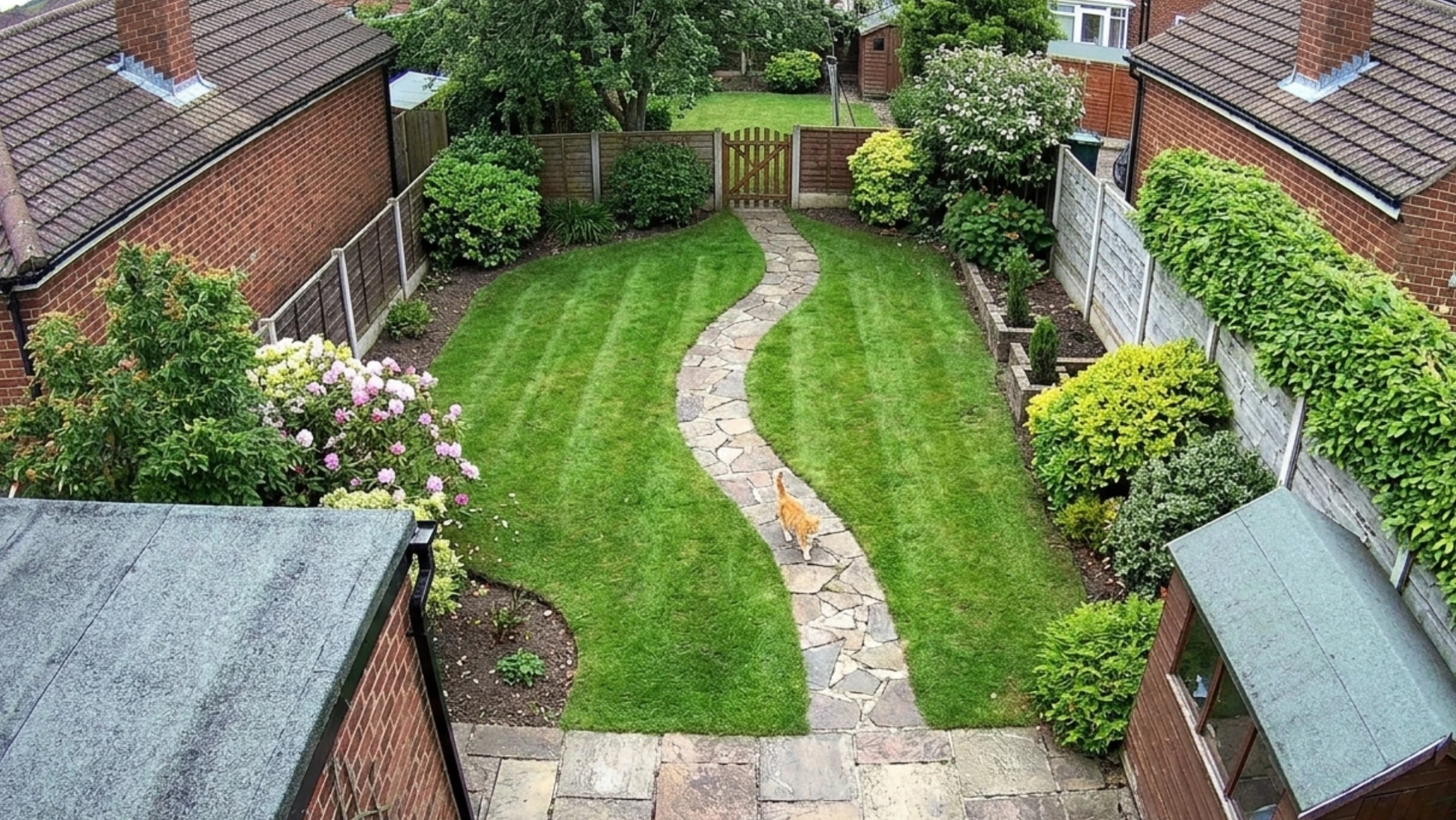
Wide-Angle & Telephoto Lenses for 360° Coverage

4K 8MP Ultra HD for ultra-clear video quality

Power over Ethernet for stable wired connection

Dual Lens, Dual View

Auto Tracking with 360 PTZ

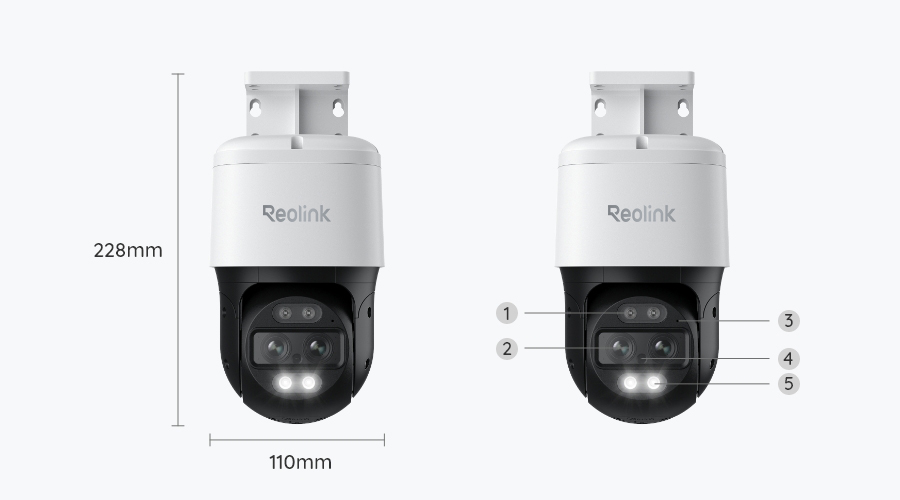
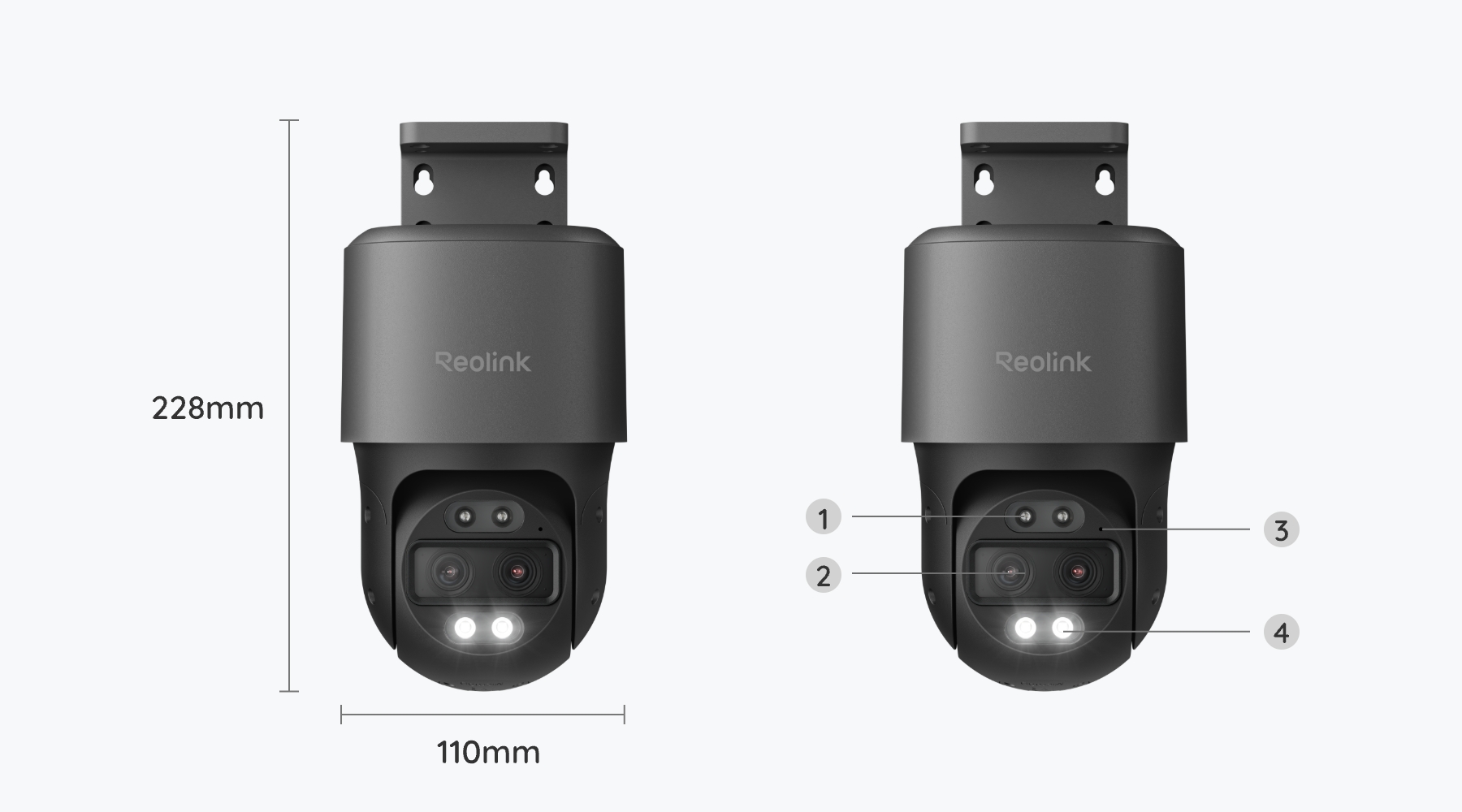
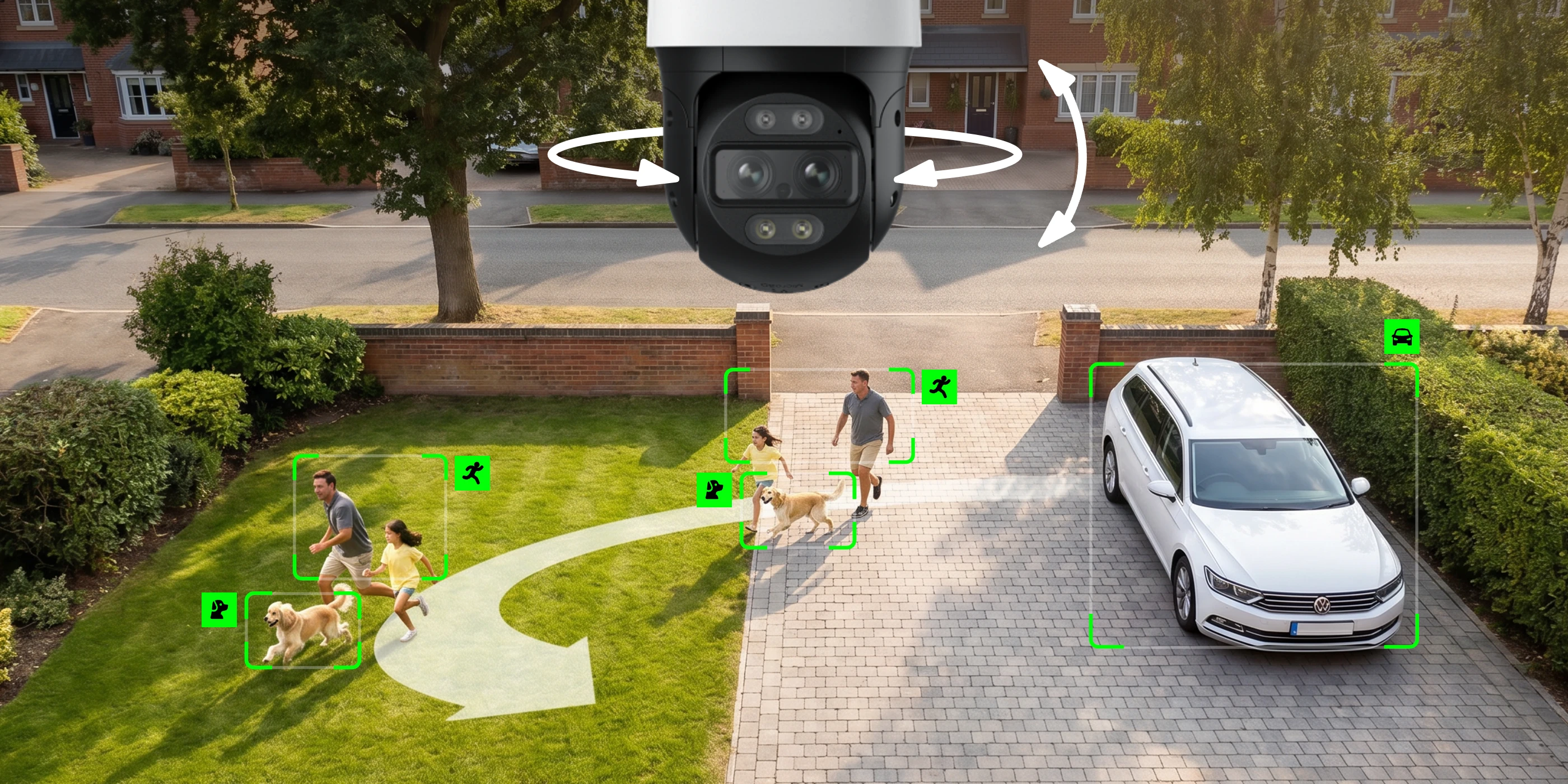
TrackMix PoE features a dual-lens design. The wide-angle lens captures the full scene, while the telephoto lens delivers detailed 4K close-up views.
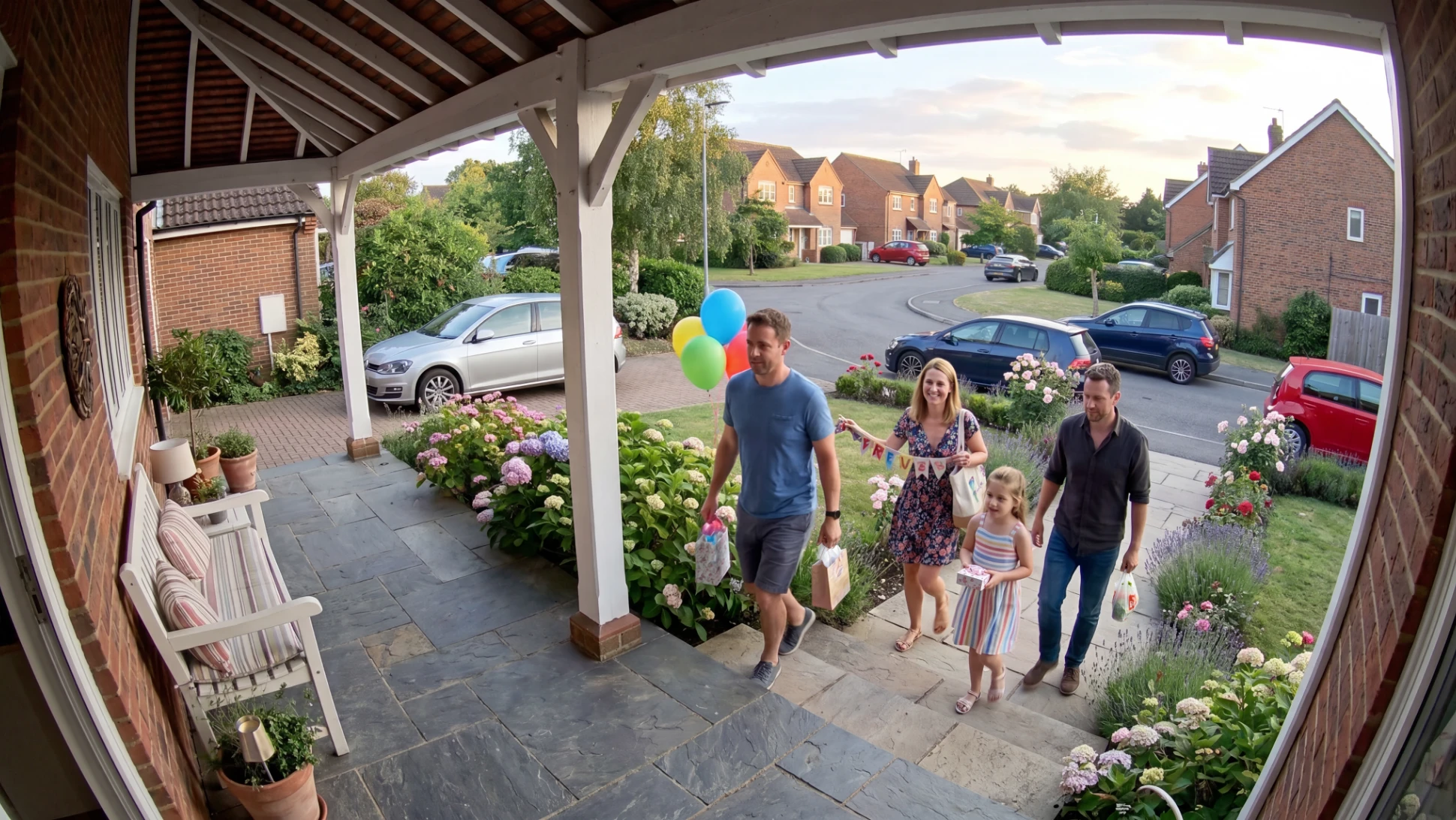
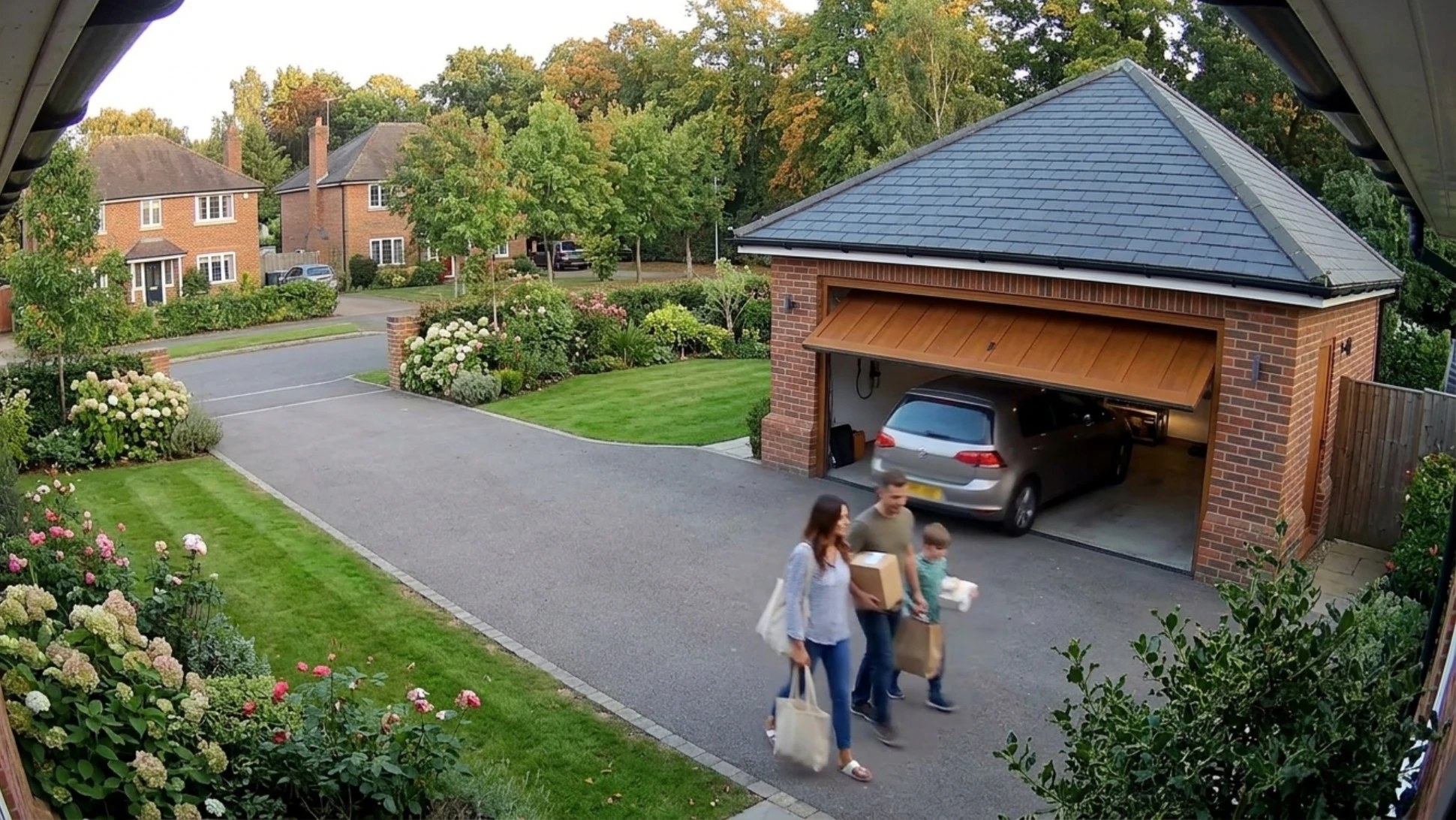
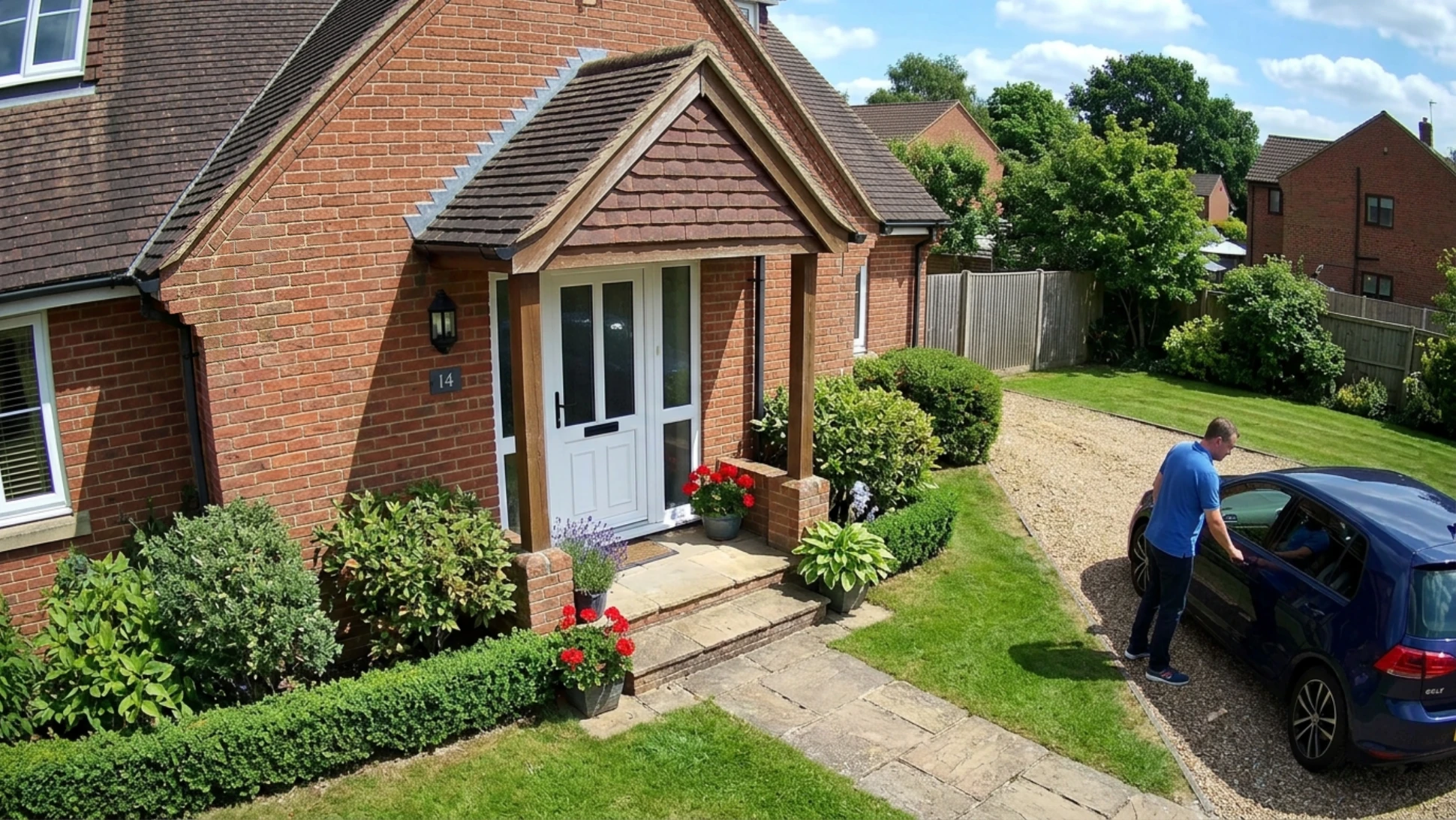
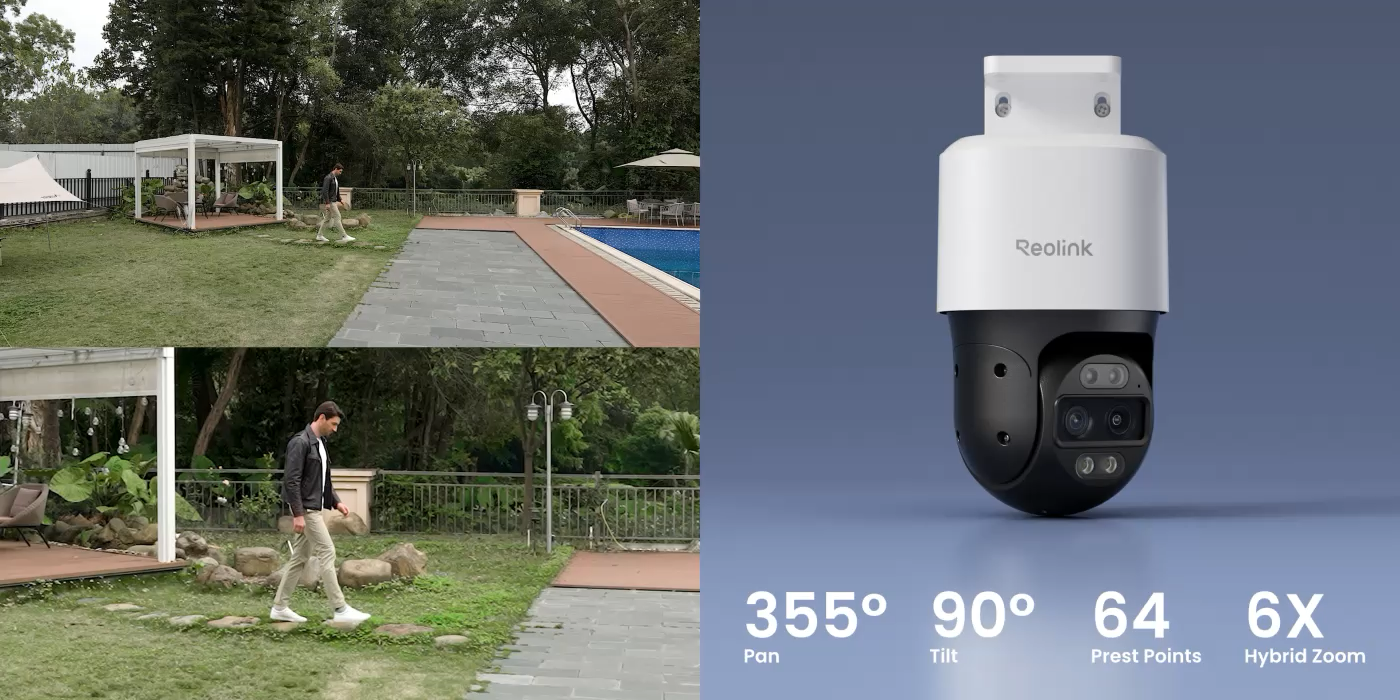
With 355° pan and 90° tilt, TrackMix PoE intelligently tracks people, vehicles, and pets to capture every key moment. Auto-zoom tracking then follows the subject in both panoramic and close-up views, ensuring no detail is missed when motion is detected.
Day Vision
Black and White Vision
Color Night Vision
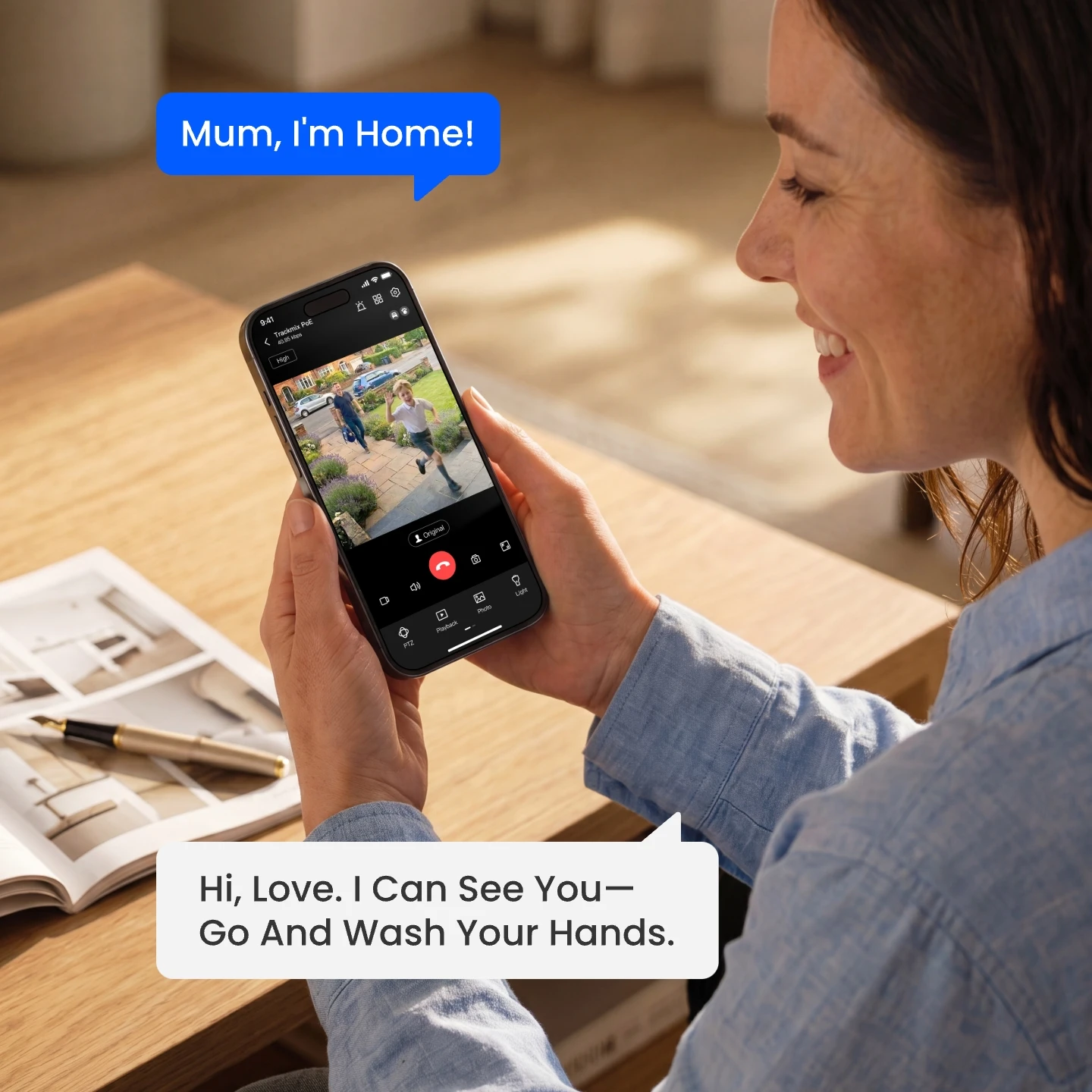
Two-Way Audio

Built-in mic & speaker allow you to listen and talk back to whoever the camera catches in real time: a “hello” to families and friends or a warning to suspicious strangers

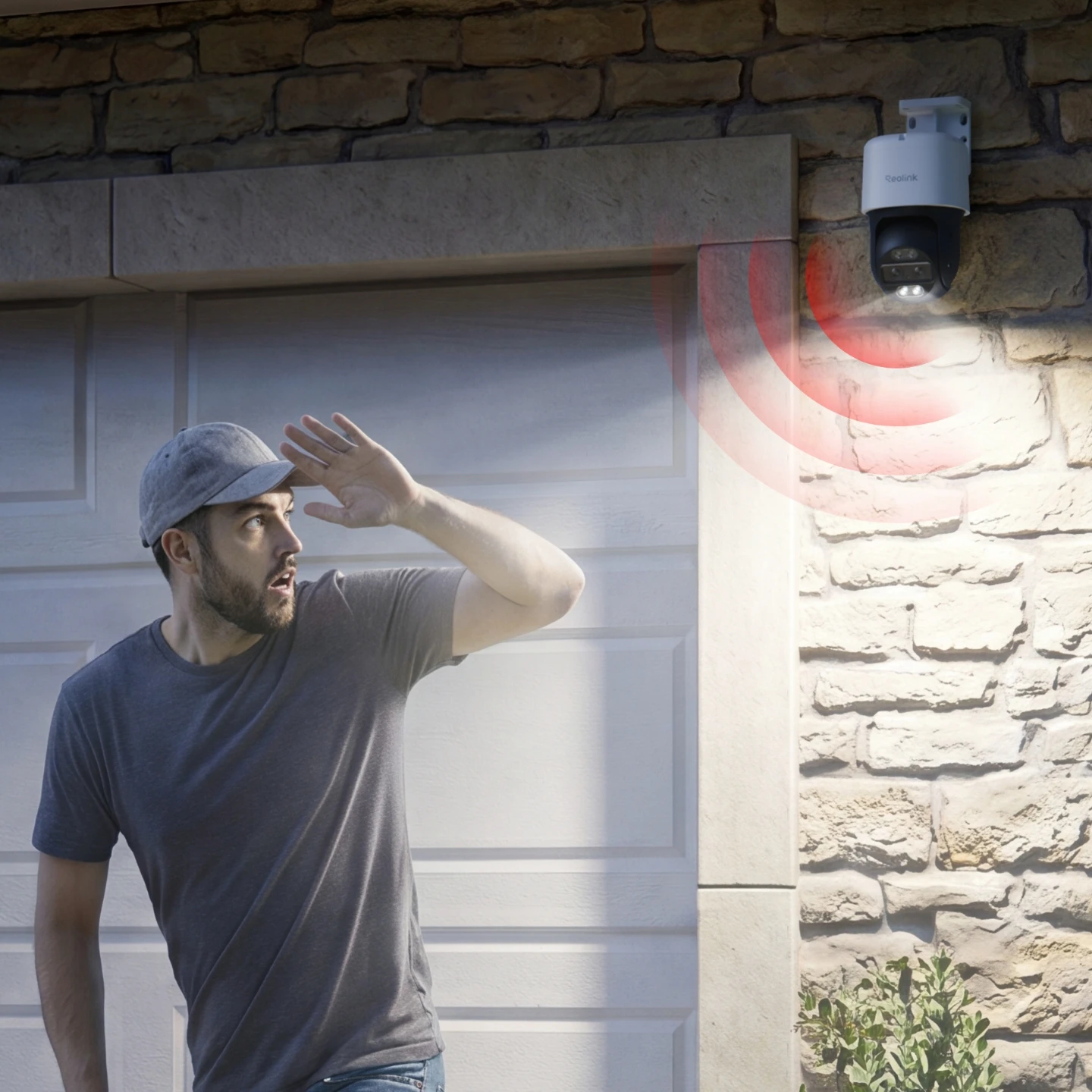
Light-Audio Deterrents

Upon motion detection, the ptz CCTV camera automatically activates its spotlights and siren to warn off potential intruders, deter suspicious activity, and instantly notify you of the incident—helping stop crime before it happens.

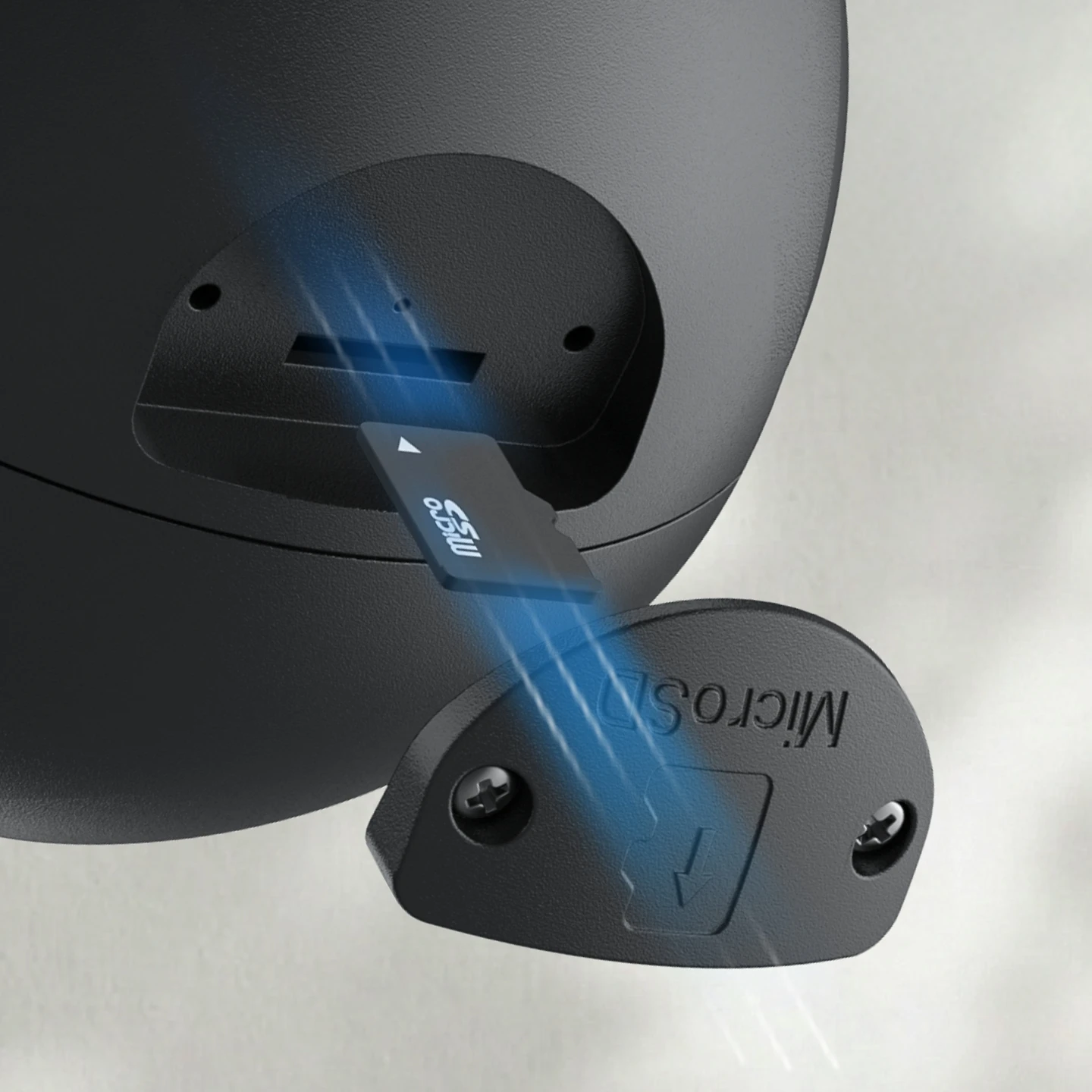
microSD Card

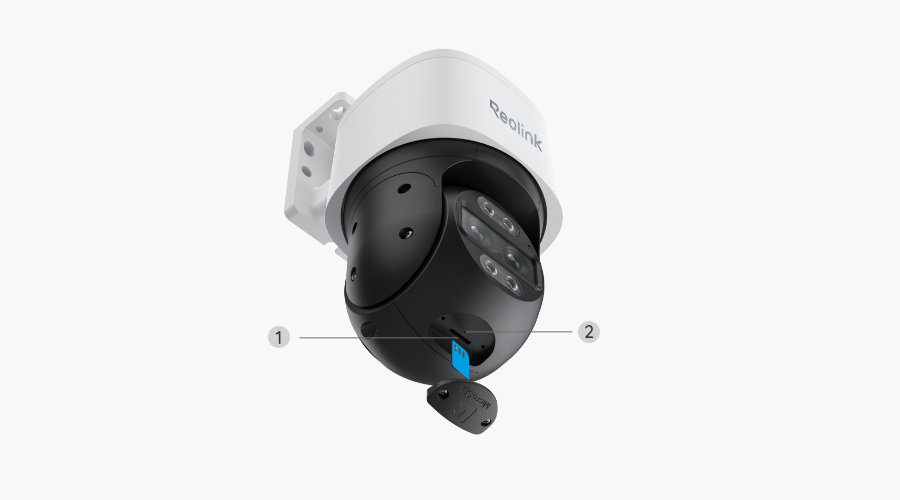
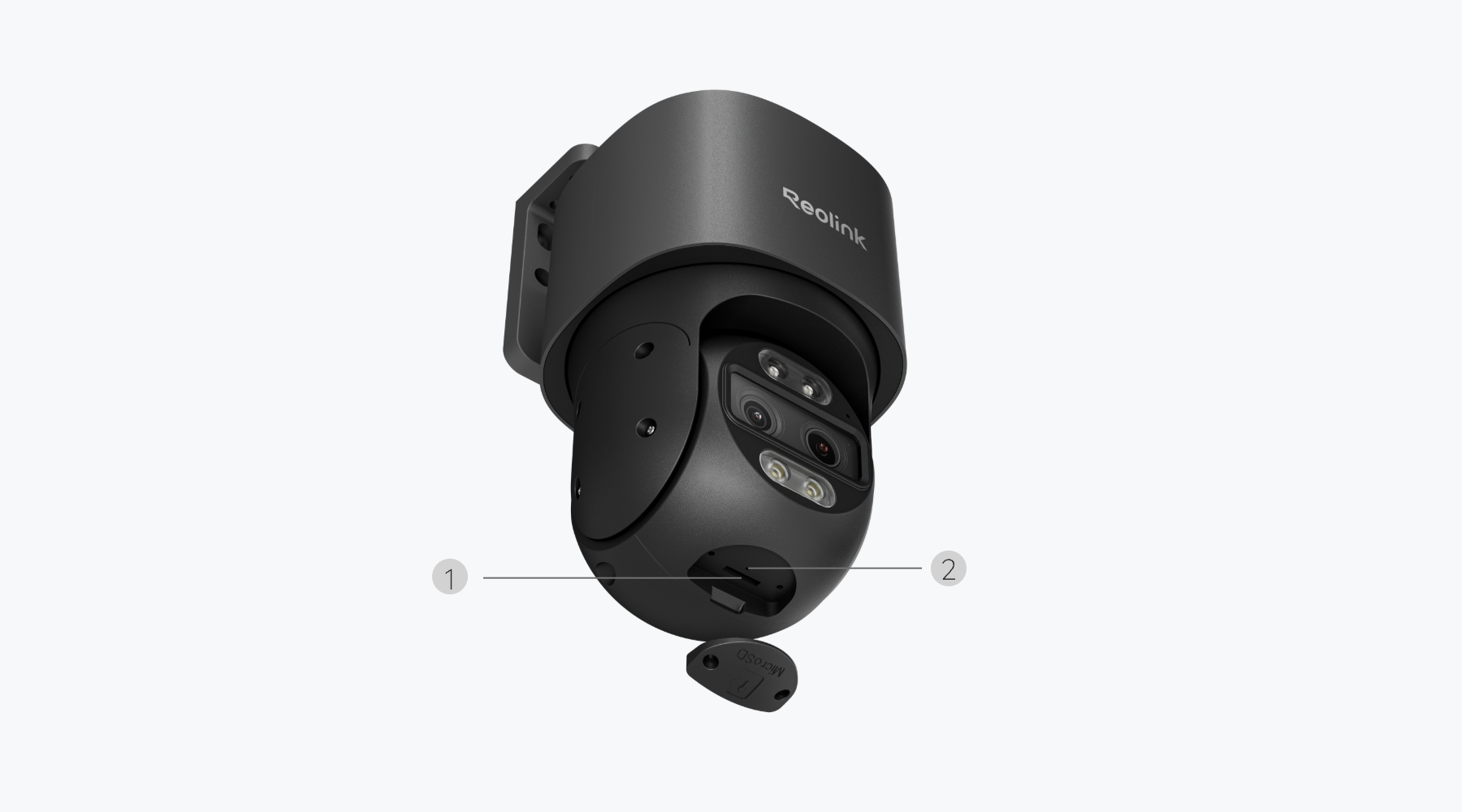
Supports up to 512GB microSD card for local storage.

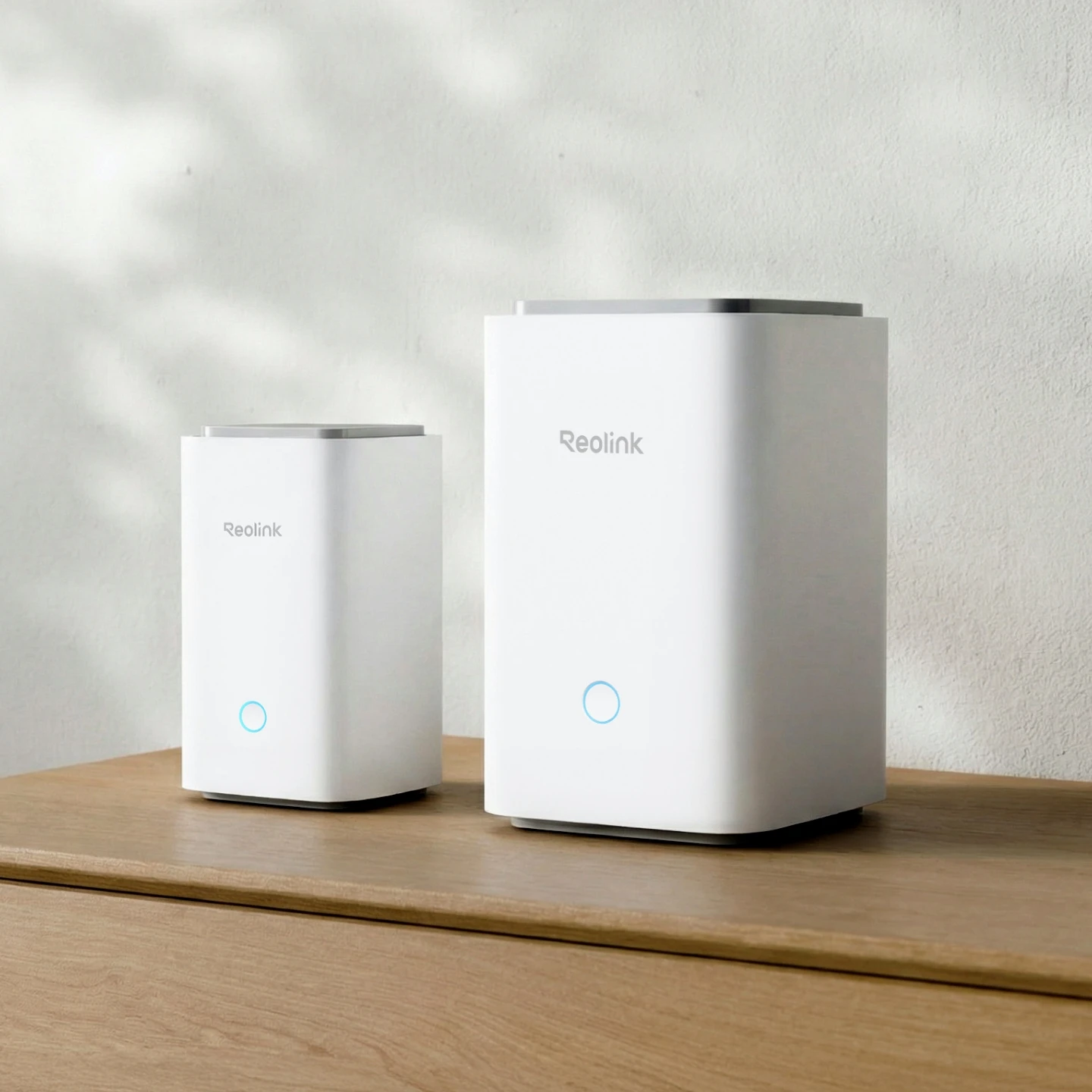
Reolink Home Hub Series

Works seamlessly with the Reolink Home Hub series for encrypted and centralized storage.

Reolink NVR

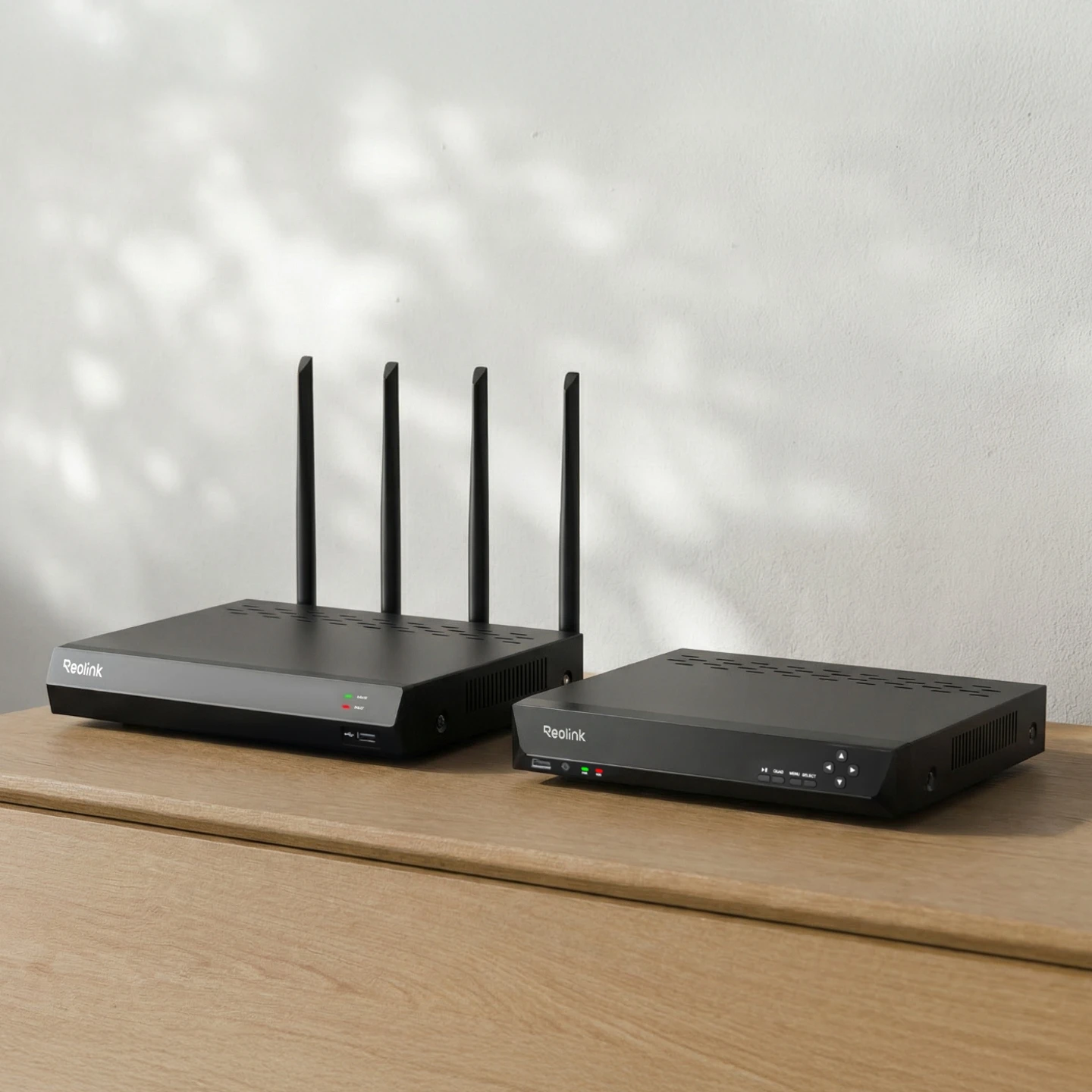
Compatible with both PoE and Wi-Fi NVR models for expanded storage capacity.

FTP server

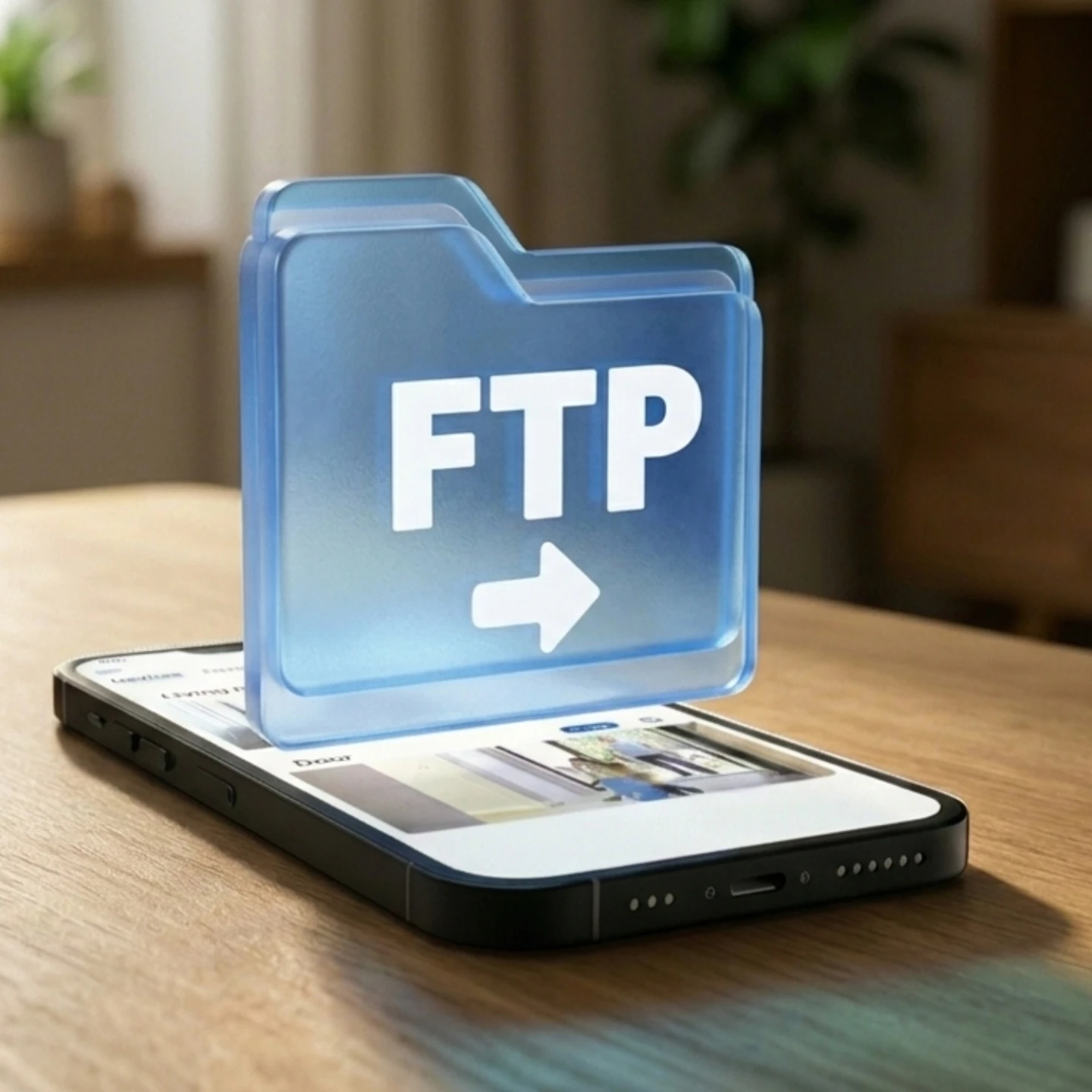
Store footage on FTP/NAS servers for flexible access. No extra fees

Real-Time Motion Tracking & Alerts

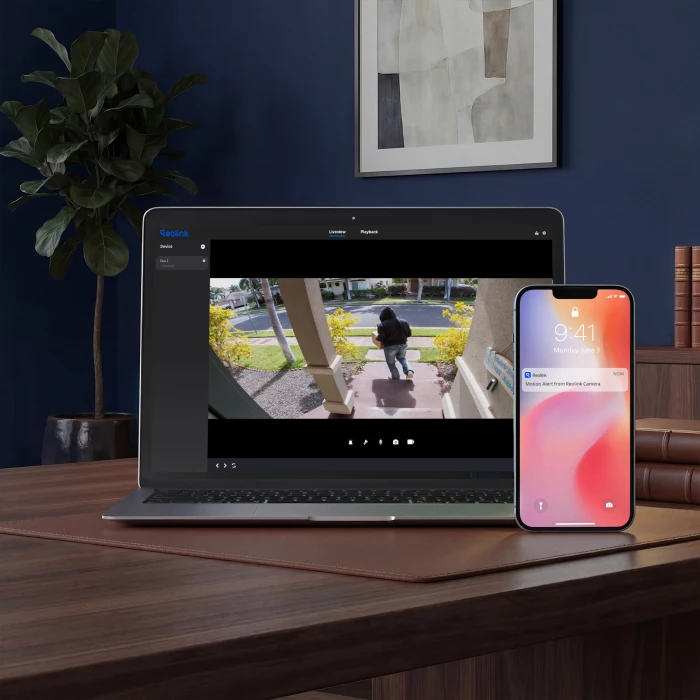
The PTZ security camera automatically tracks moving targets and notifies you immediately through the Reolink app.

Dual View, Live View

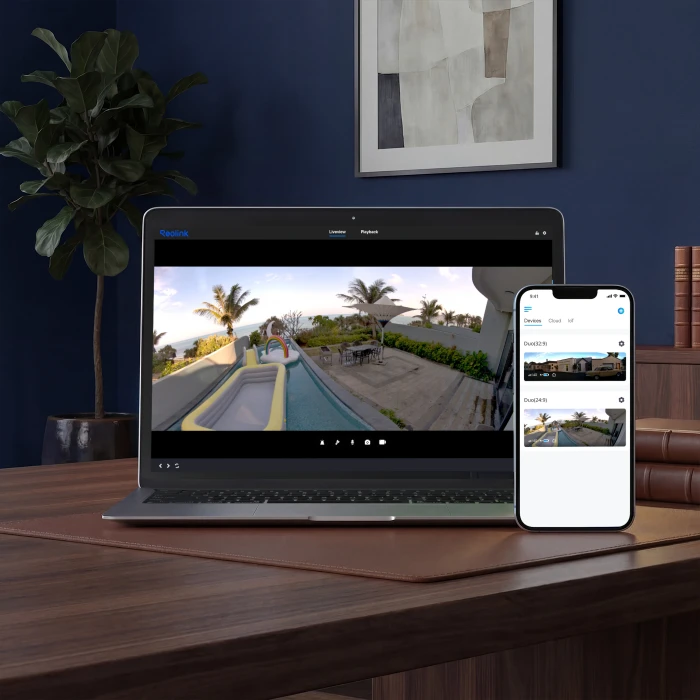
Enjoy a wide-angle overview and close-up tracking view together on one screen.

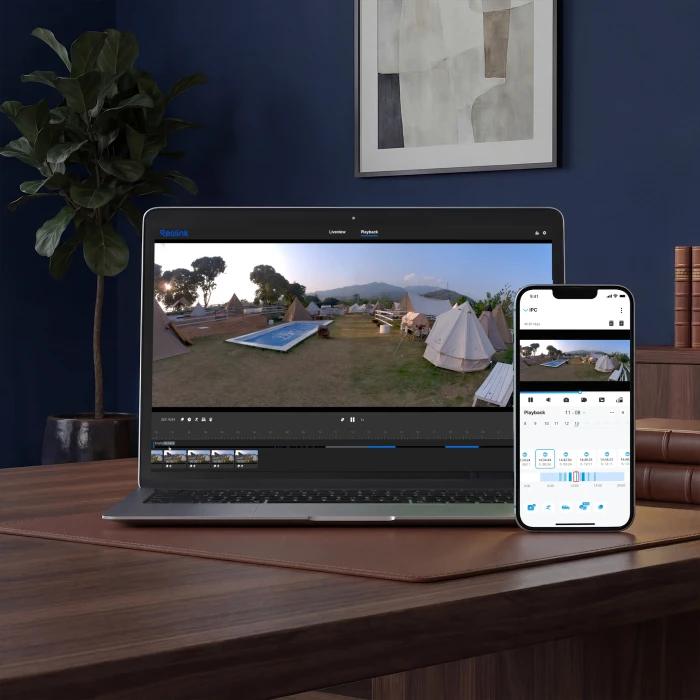
Easy & Smart Playback

Easily review footage, filter events by detection mode, and use the timeline to find important moments faster.

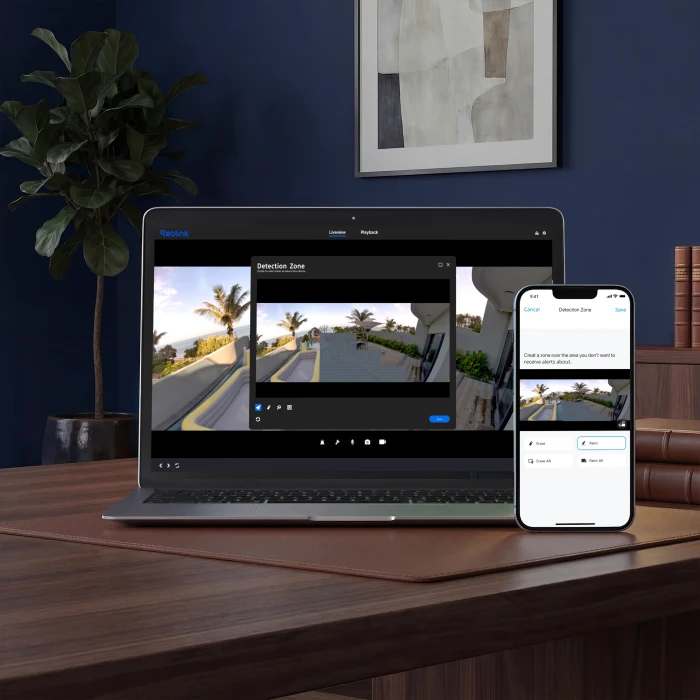
Customized Motion Zone

Set your own motion detection areas to choose which zones trigger alerts and which do not.

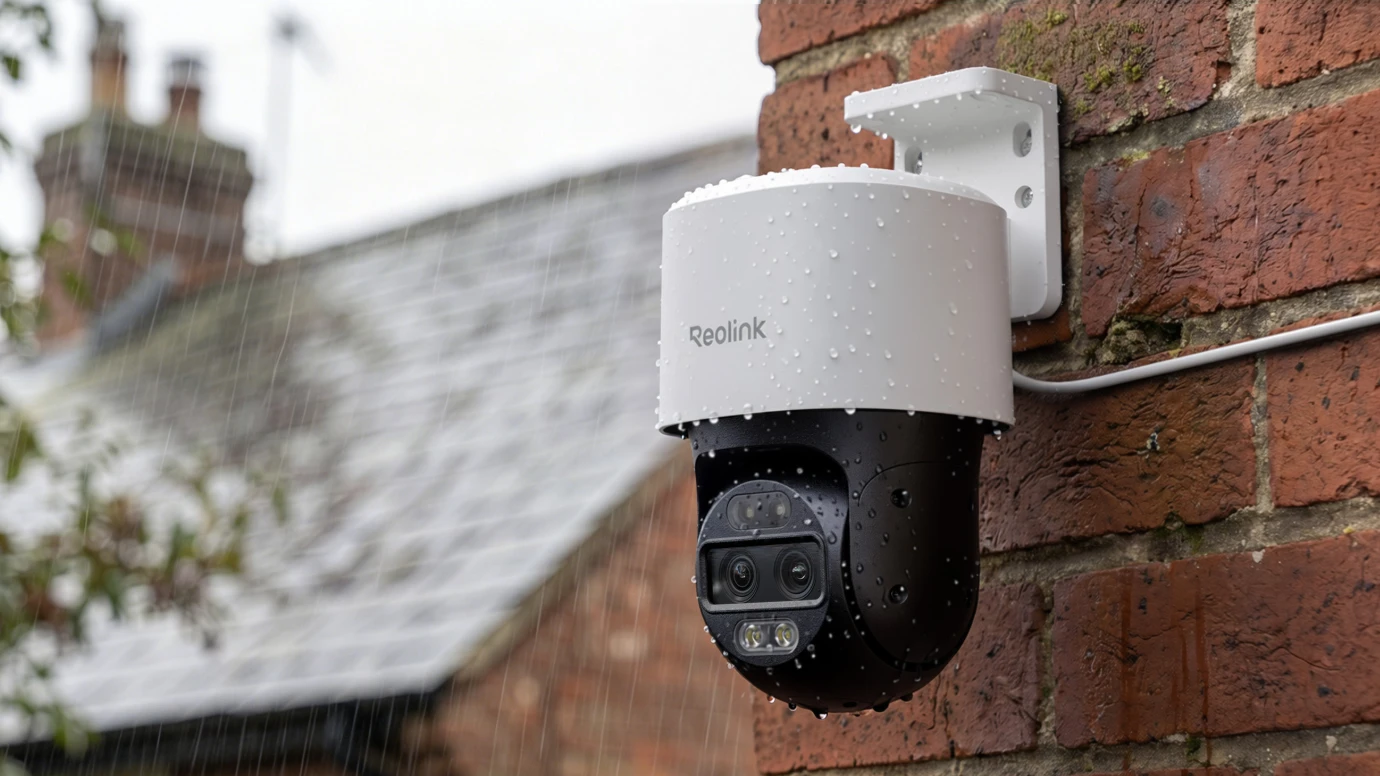
Built to Brave Any Weather

Be it heavy snow, or a roaring storm, the IP66 weatherproof camera is designed from the ground up to be a workhorse in even the harshest conditions.

Timelapse Wonders Unveiled

Get swift event recaps from the process of construction sites to mesmerizing sunsets, where the whole story unfolds in seconds.

Control Your Cameras, Hands-Free
Work With Alexa
Works with Home Assistant
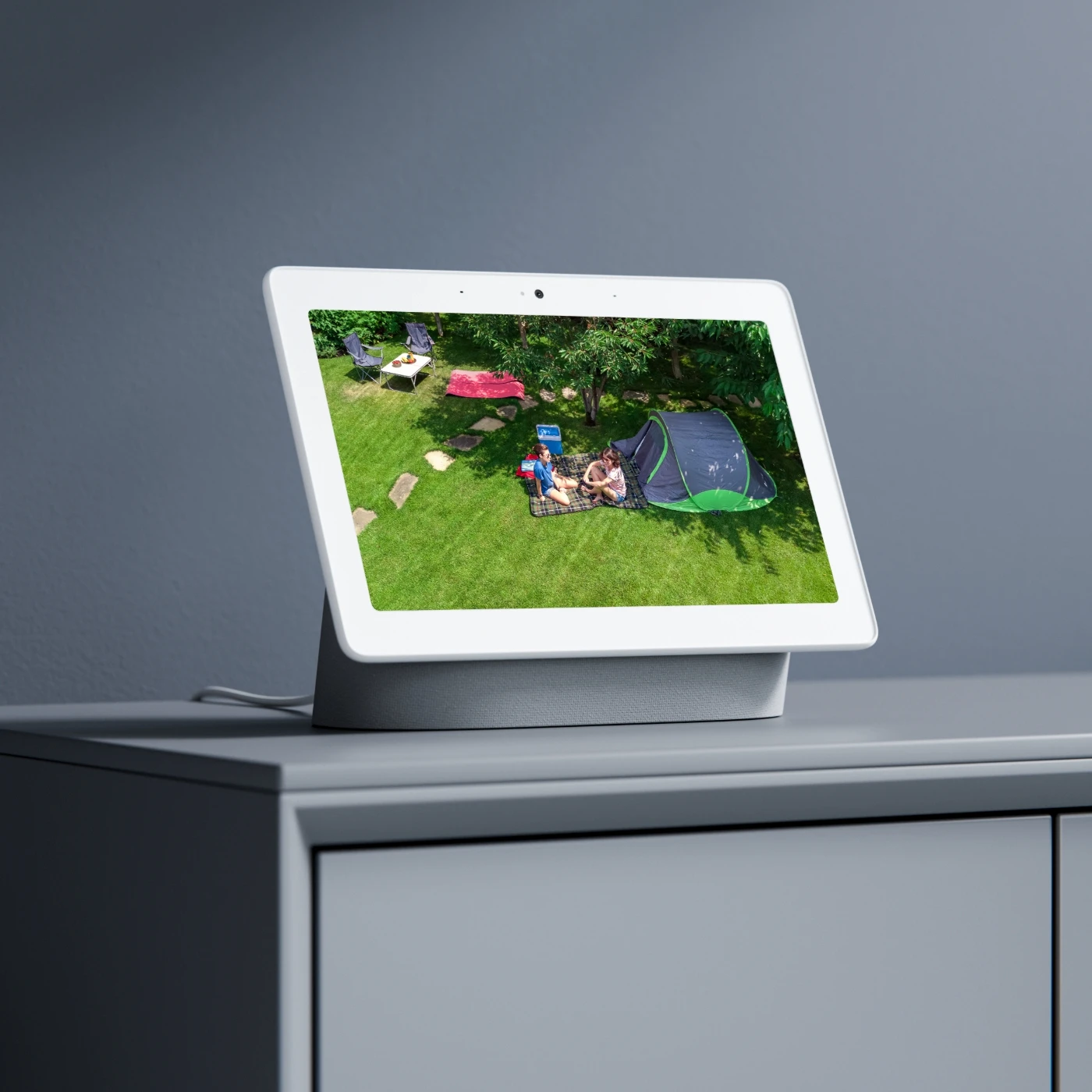
Find how to connect Reolink to Google Assistant

How to Set up the Tracking Function for the Reolink TrackMix PoE?

1. Enable or disable Auto Tracking:
Log in to your device in the Reolink App, go to Device Settings > Detection Alarm, then turn Auto Tracking on or off.

2. Set the tracking type:
Tap Tracking Type and select what the camera should follow (Person, Vehicle, or Animal, depending on the model). Tap Save to confirm.
If your camera supports Tracking Priority, you can drag the icons to set the tracking order. The object at the top will be prioritized when multiple targets are detected.

3. Configure tracking method:
Go to Tracking Method under the Auto Tracking section and choose the preferred tracking mode. Options may vary depending on the camera model.

4. Set horizontal tracking range:
Open Horizontal Tracking Range > Settings, adjust the left and right limits using the controls, then tap Save. You can also reset the range by selecting Clear.

5. Set tracking schedule and stop behavior:
Use Schedule to define when tracking is active by selecting days and time blocks. Tap Copy to apply settings across multiple days.
Under Object Stops and Object Disappears, set how long the camera should stay at the last detected position before returning to default view.

Where Is the Optimal Height & Angle to Install a ReolinkTrackMix PoE?

8 to 10 Feet High: Install the camera at a height of about 8–10 feet (2.5–3 meters). This helps deter vandalism while avoiding an overly top-down view that can miss facial details. With TrackMix’s pan, tilt, and zoom functions, this height provides a balanced viewing angle for capturing clear subjects at closer range.

Angle Downward: Tilt the camera slightly downward (around 15°) to better capture faces and upper body details of approaching people instead of focusing on the background.

Maintain Accessibility: Ensure the camera is still reachable with a ladder for occasional maintenance, such as cleaning the lens, removing cobwebs, or accessing the microSD card.

Corners: Corner mounting provides the widest field of view, maximizing coverage of the surrounding area. It allows the wide-angle lens to capture the full scene while the zoom lens focuses on specific movement for clearer detail.

Should I Choose the TrackMix PoE or the Omvi 3i PoE?

Choose the Reolink OMVI 3i PoE if you own a premium UK detached property, a home with a wide rear extension, or a busy storefront. Its 180° panoramic top lens provides full-area coverage with minimal blind spots, while the lower lens tracks and zooms in on activity. It offers very high-resolution output but requires a PoE+ (30W) setup, making it ideal for larger, high-end installations.

Choose the Reolink TrackMix PoE if you are a budget-conscious user in a terraced or semi-detached home. Its wide-angle lens fits typical UK driveways and gardens, while the dual-lens system handles zoom tracking in narrower spaces. It runs on standard PoE (802.3af) and is easier to integrate into existing setups without upgrades.

How Do I Connect My TrackMix PoE Camera to Google Home?

The Reolink App version 4.52 and later simplifies the Google Home integration process. It is recommended to update your app for a smoother setup experience.

Step 1: Link Reolink to Google Home
Open the Google Home App, then go to Home > Add device > Link apps or services.
Search for Reolink Smart Home and select it.
Log in with your Reolink account (make sure it is the same account linked to your camera in the Reolink App).
Tap Allow to complete the connection. Once successful, you will see “Reolink Smart Home is linked.”

Step 2: Enable Smart Home in the Reolink App
Make sure your camera or NVR is added to the Reolink App and has internet access for remote connection.
Go to Me > Smart Home. If you are not logged in, sign in with the same Reolink account used in Google Home.
Tap Google Home under the Smart Home section.
Select the devices you want to connect and enable the toggle to activate Smart Home integration (the switch will turn blue).

What is the size and shape of the area you need to monitor with trackmix poe?

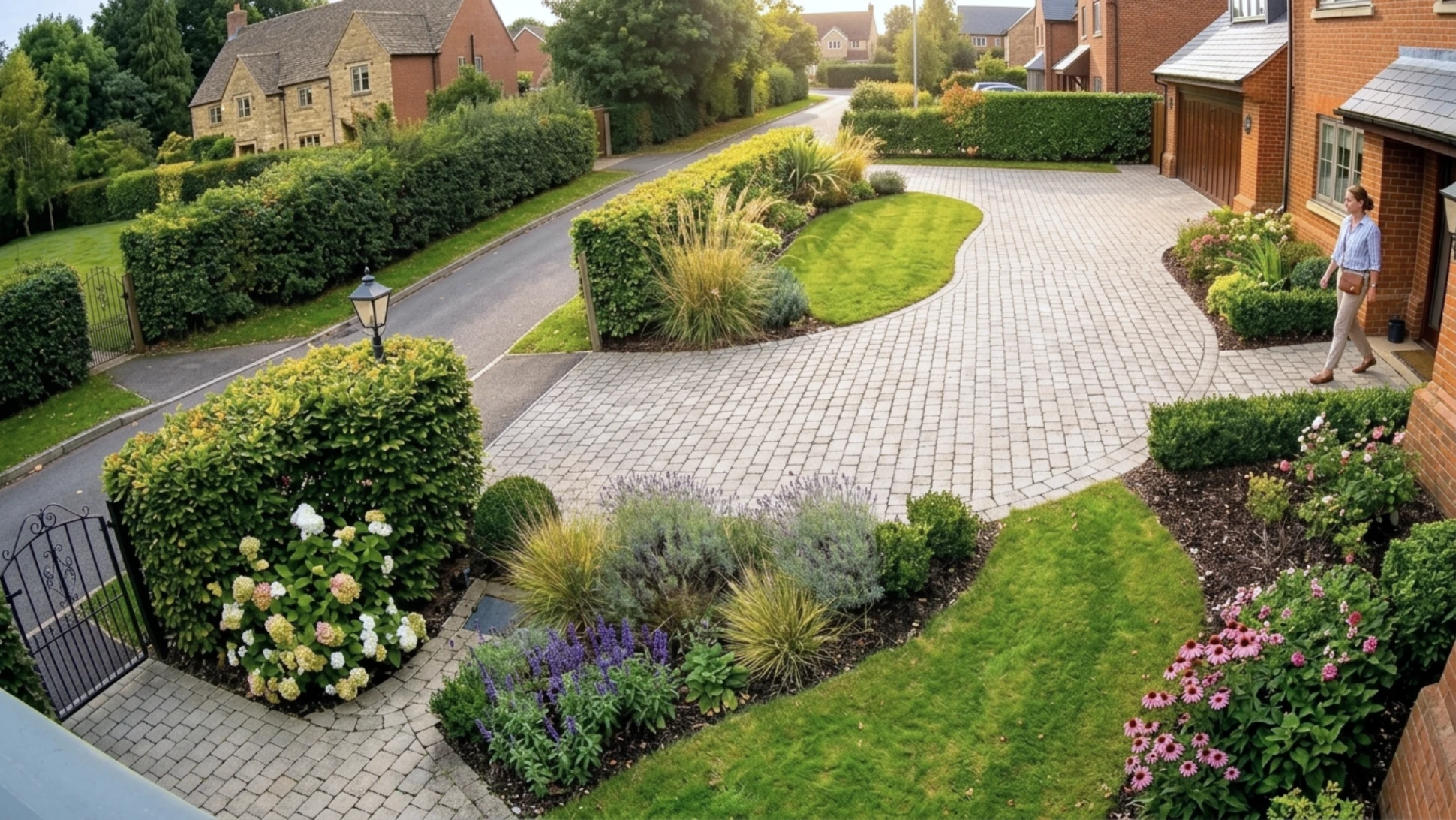
The Reolink TrackMix PoE is designed to monitor a dome-shaped area with a sweeping panoramic view. Its ultra-wide main lens covers a massive 104° horizontal and 60° vertical Field of View (FOV) at rest. Thanks to its motorized base, the camera can dynamically expand its reach by sweeping up to 355° horizontally and 90° vertically, allowing it to actively track and follow moving targets across a vast footprint.

Will you connect your Reolink PTZ camera to an existing NVR or recording system?

Yes, you can connect a Reolink PTZ camera to an existing NVR, though the setup method depends on whether you are using a Reolink NVR or a third-party system

What is the difference between a PT and PTZ camera?

A PT camera supports pan and tilt movements, allowing you to remotely adjust the viewing angle for wider coverage. A PTZ camera adds zoom functionality—typically optical zoom—enabling you to zoom in on distant subjects while maintaining image quality, making it a better choice for monitoring large areas and capturing fine details.

Comparison

What's in the box

    Compare all Reolink models